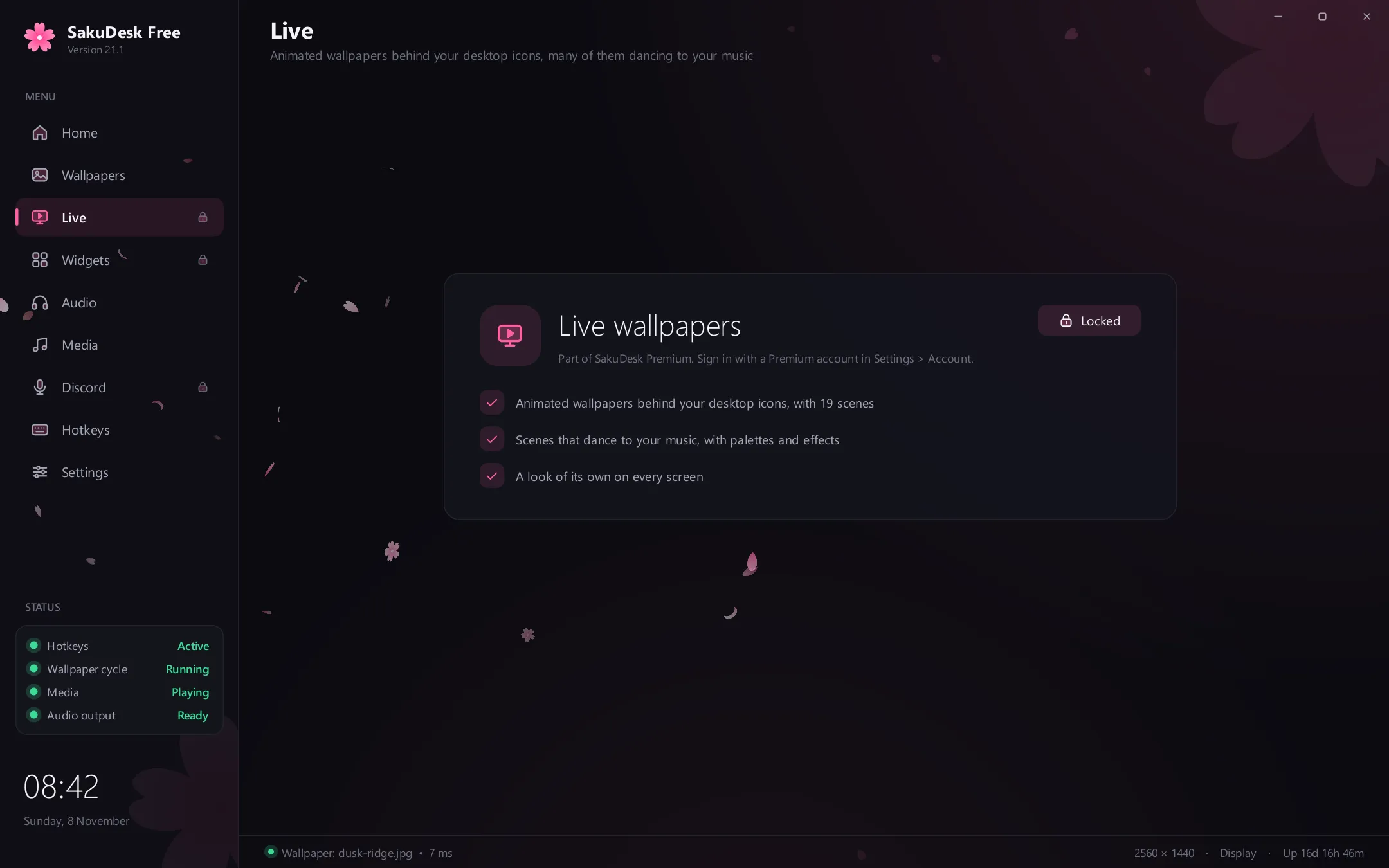
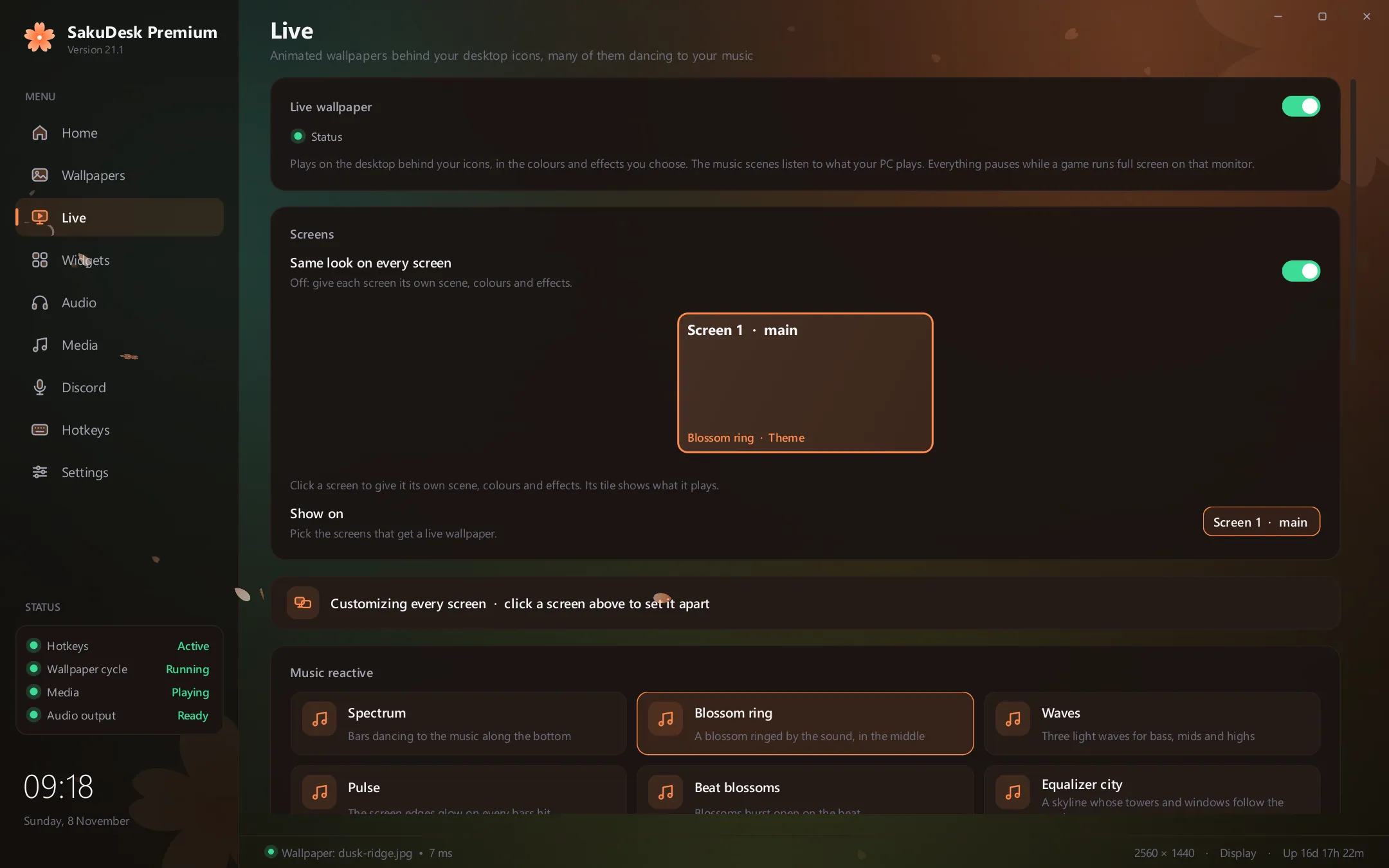
Live wallpapers
Your wallpaper, alive.
19 live scenes behind your desktop icons, many of them moving to your music, and a look of its own on every screen. Everything pauses while a game runs full screen.
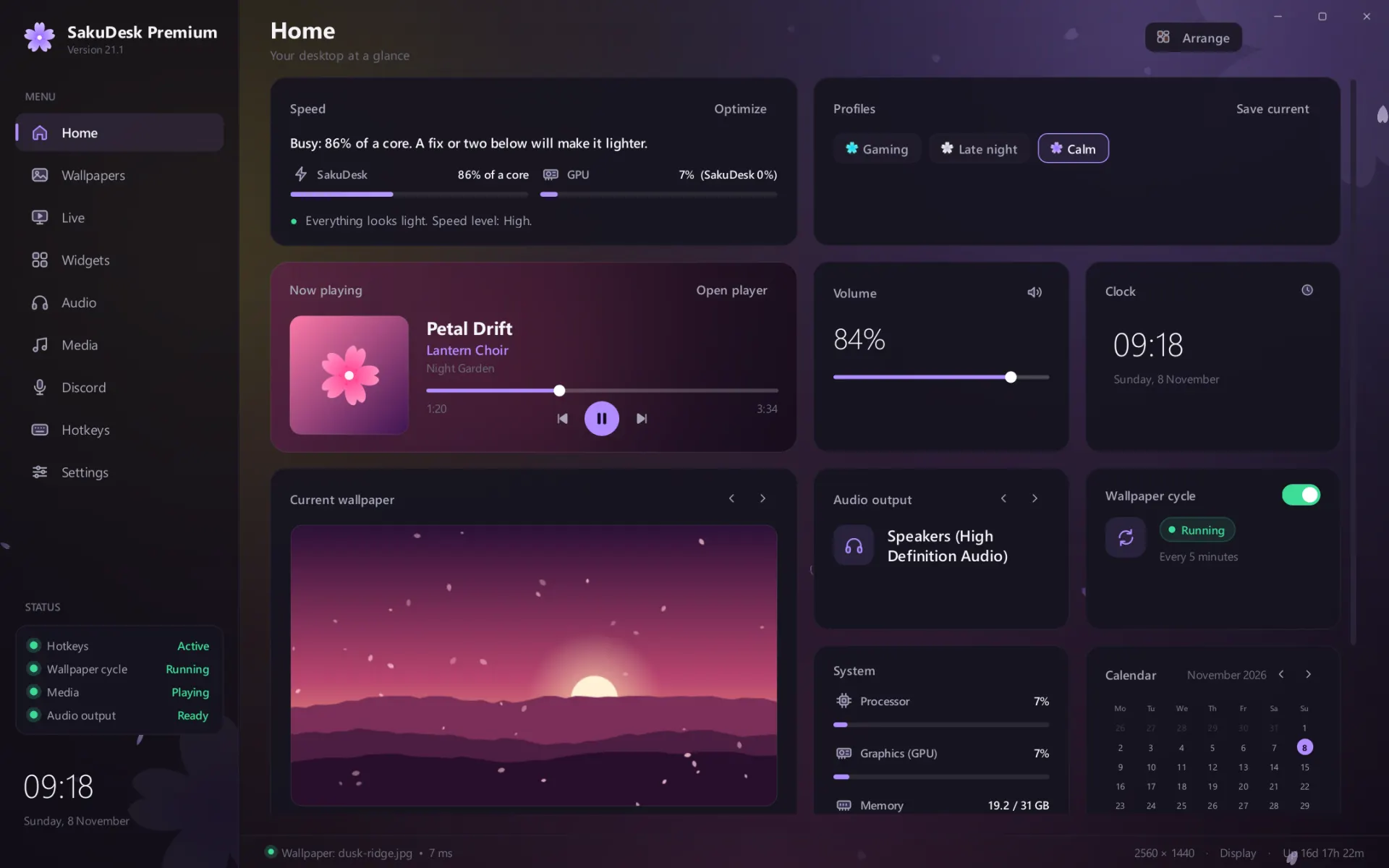
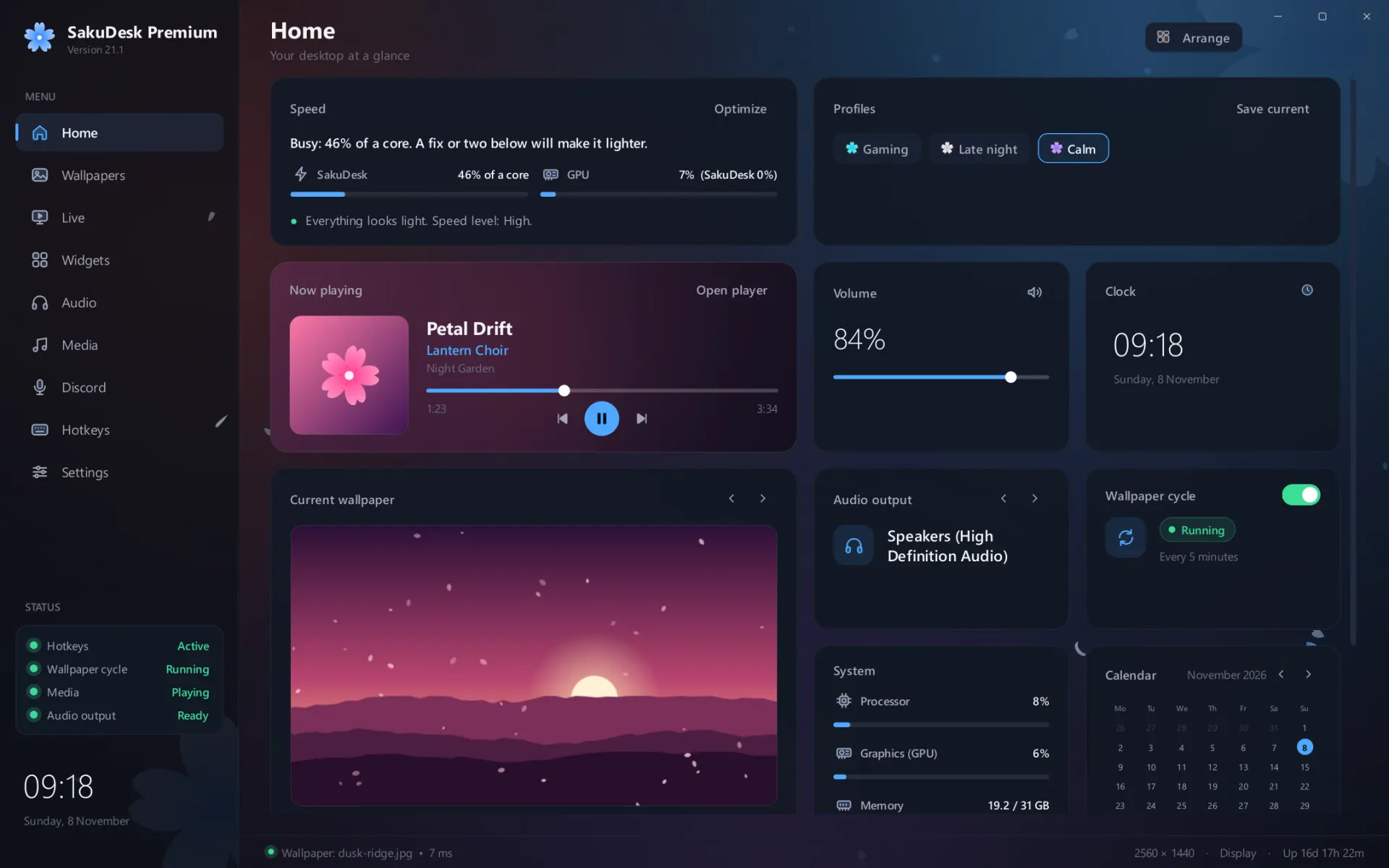
Every colour it has.
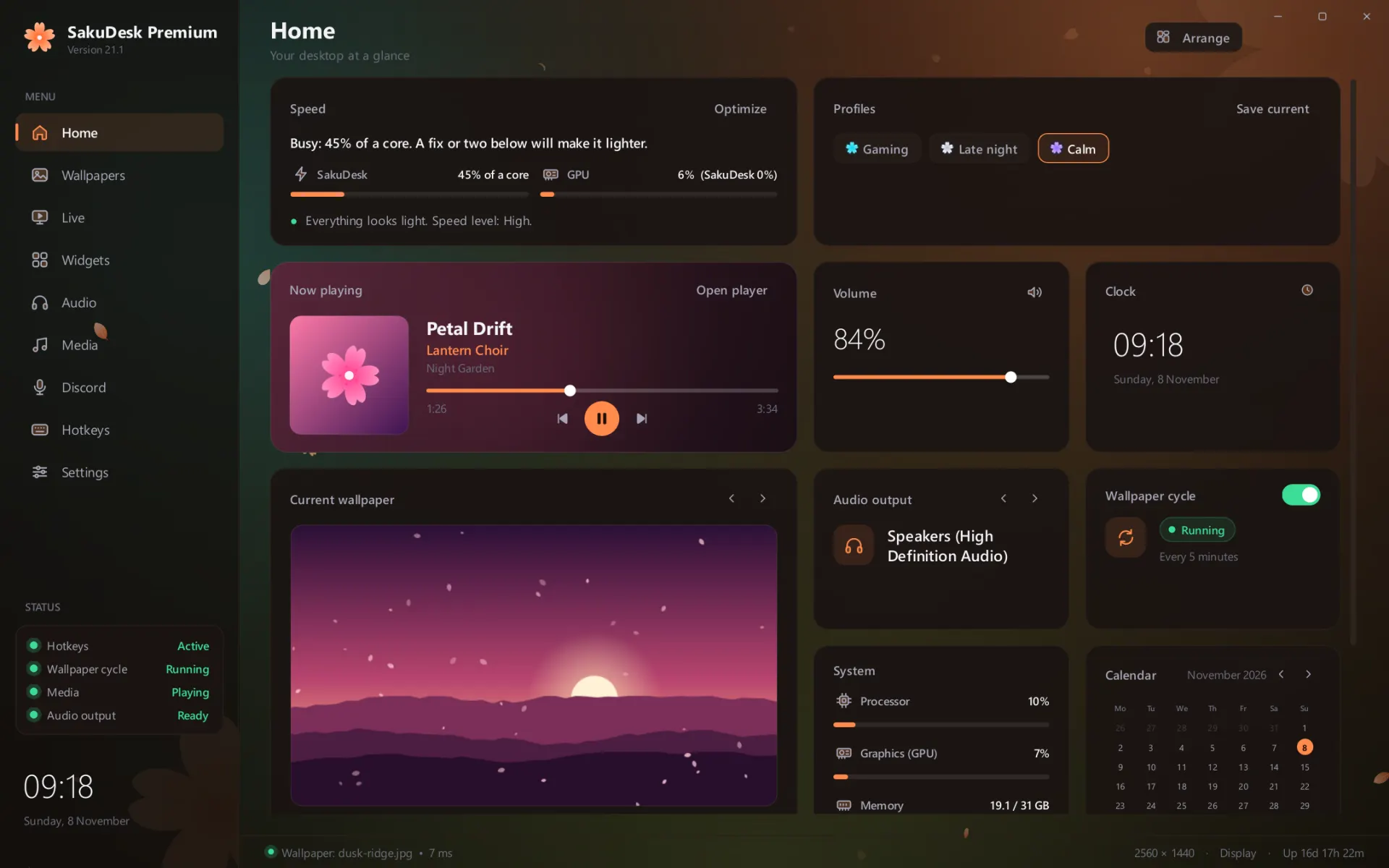
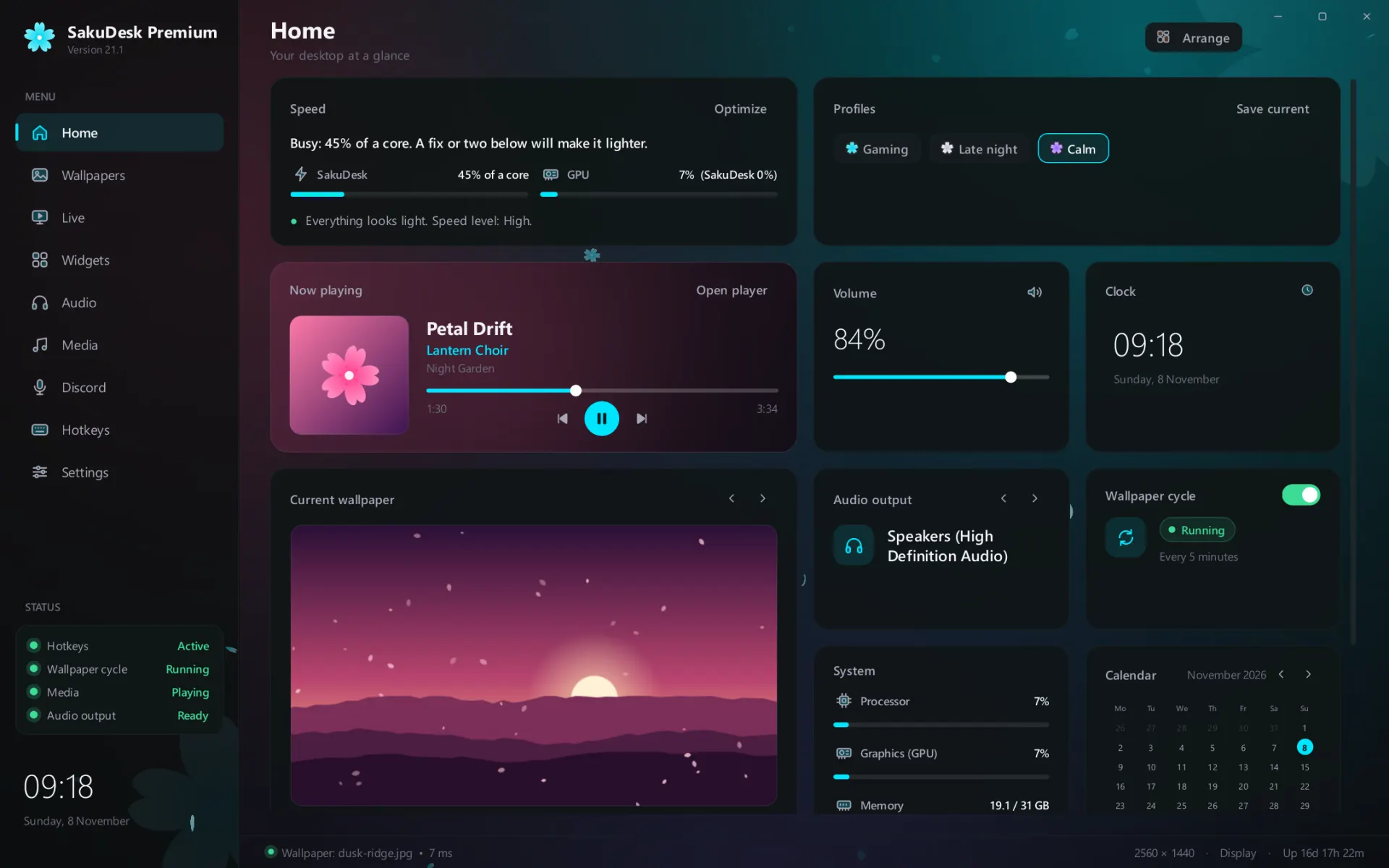
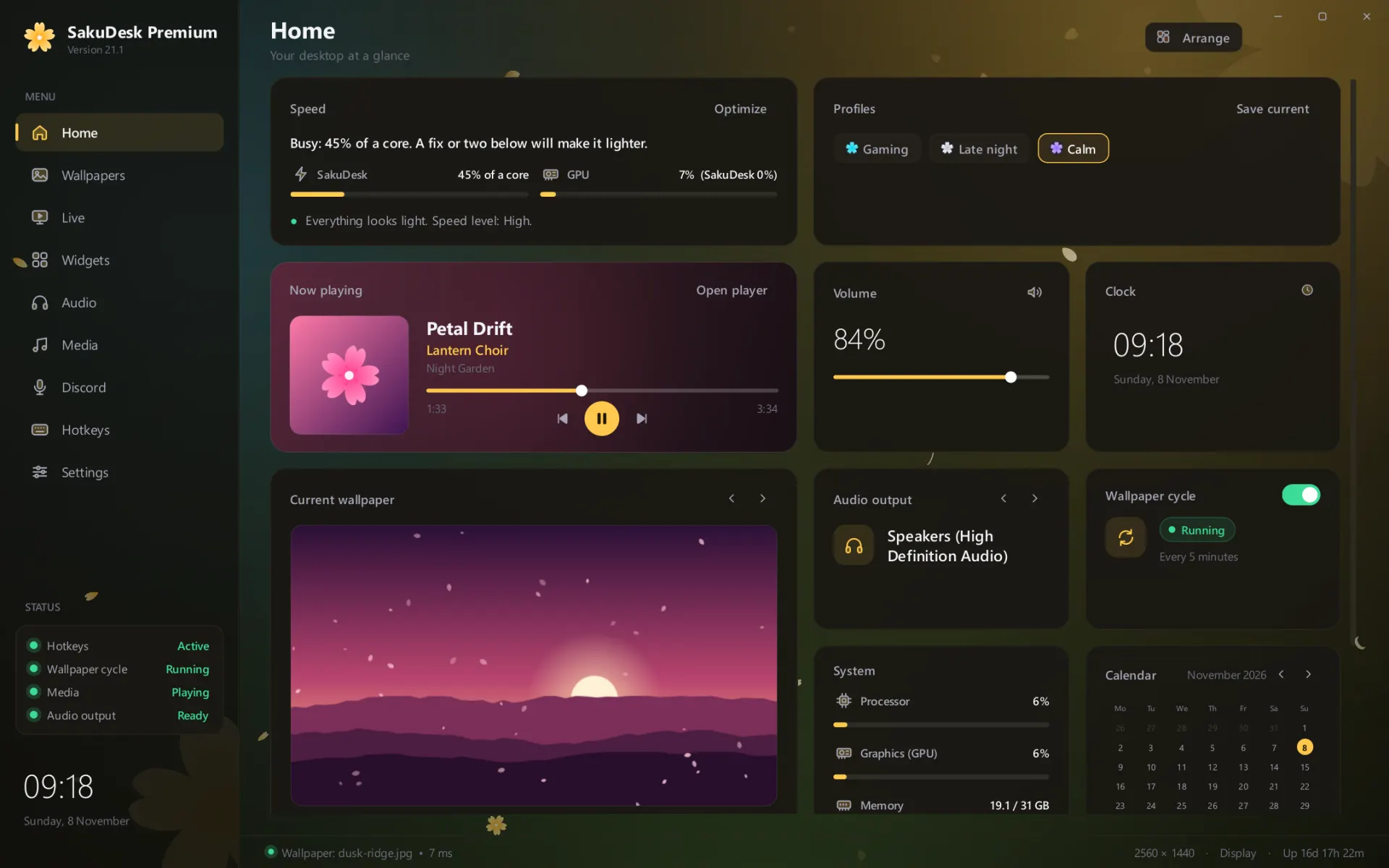
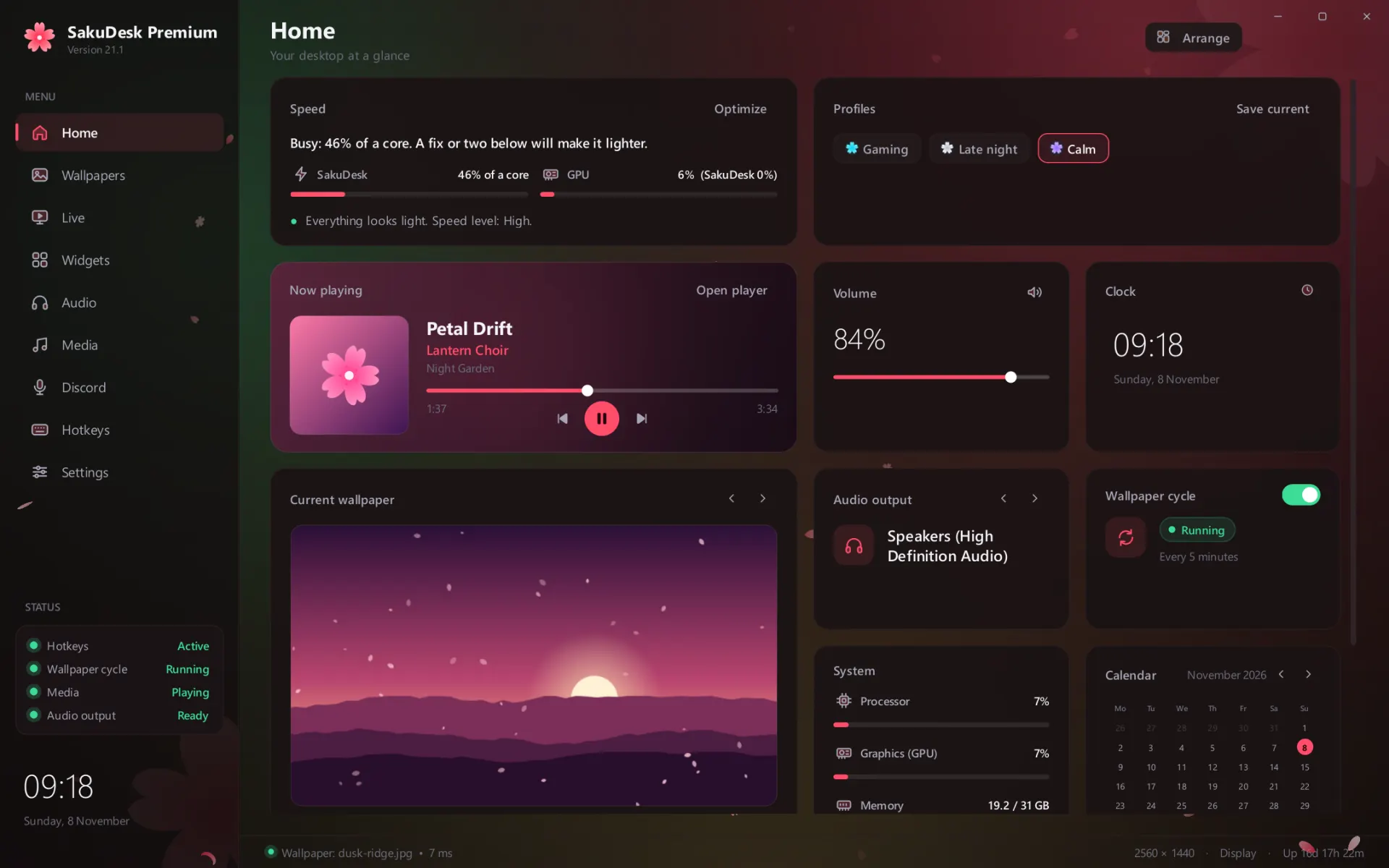
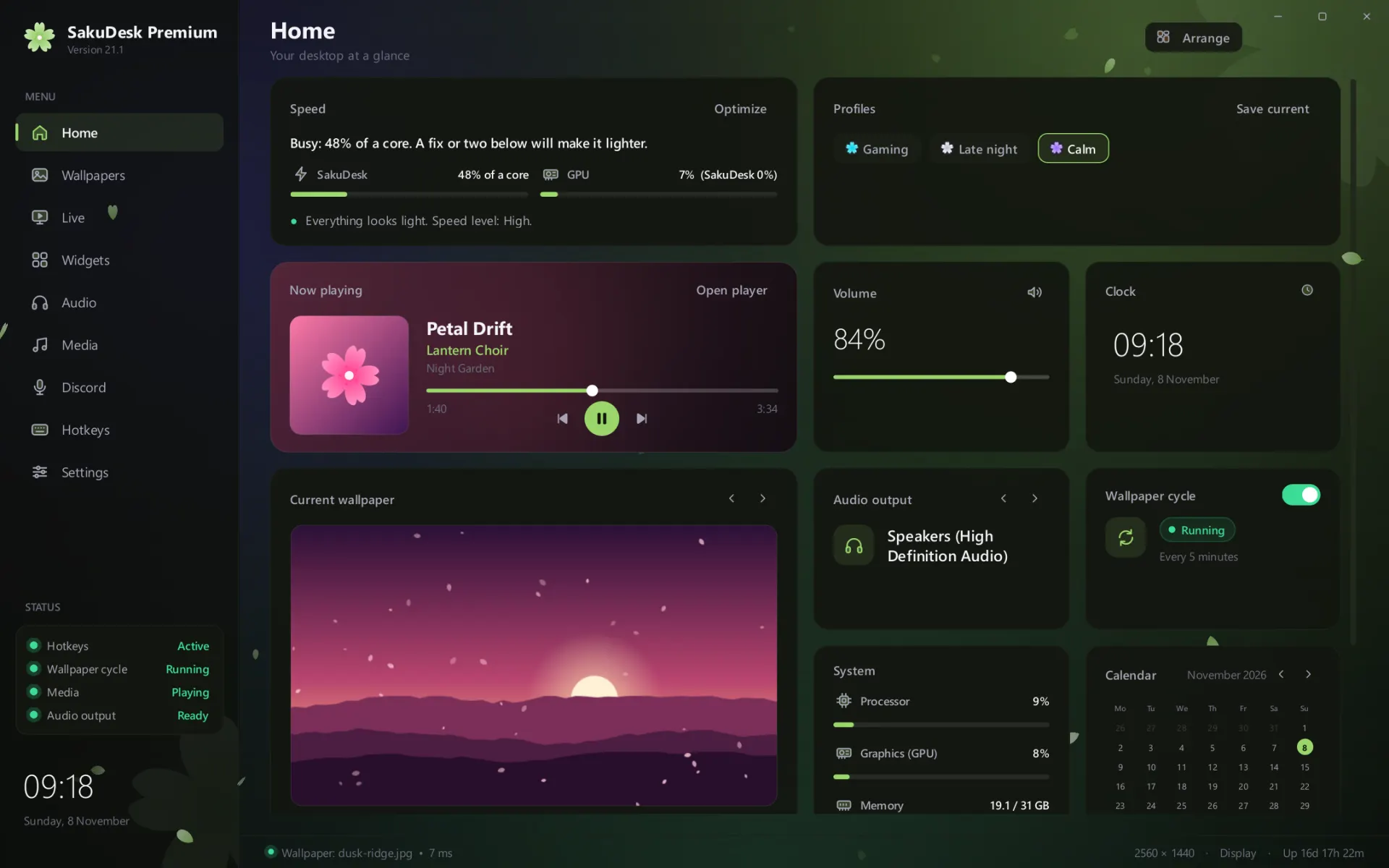
Fifteen more themes recolour the whole app, its panels, its blossom and its falling petals. One takes its colours from your wallpaper and changes with it. The other backgrounds and all ten clock styles come too.
Two speakers, playing as one.
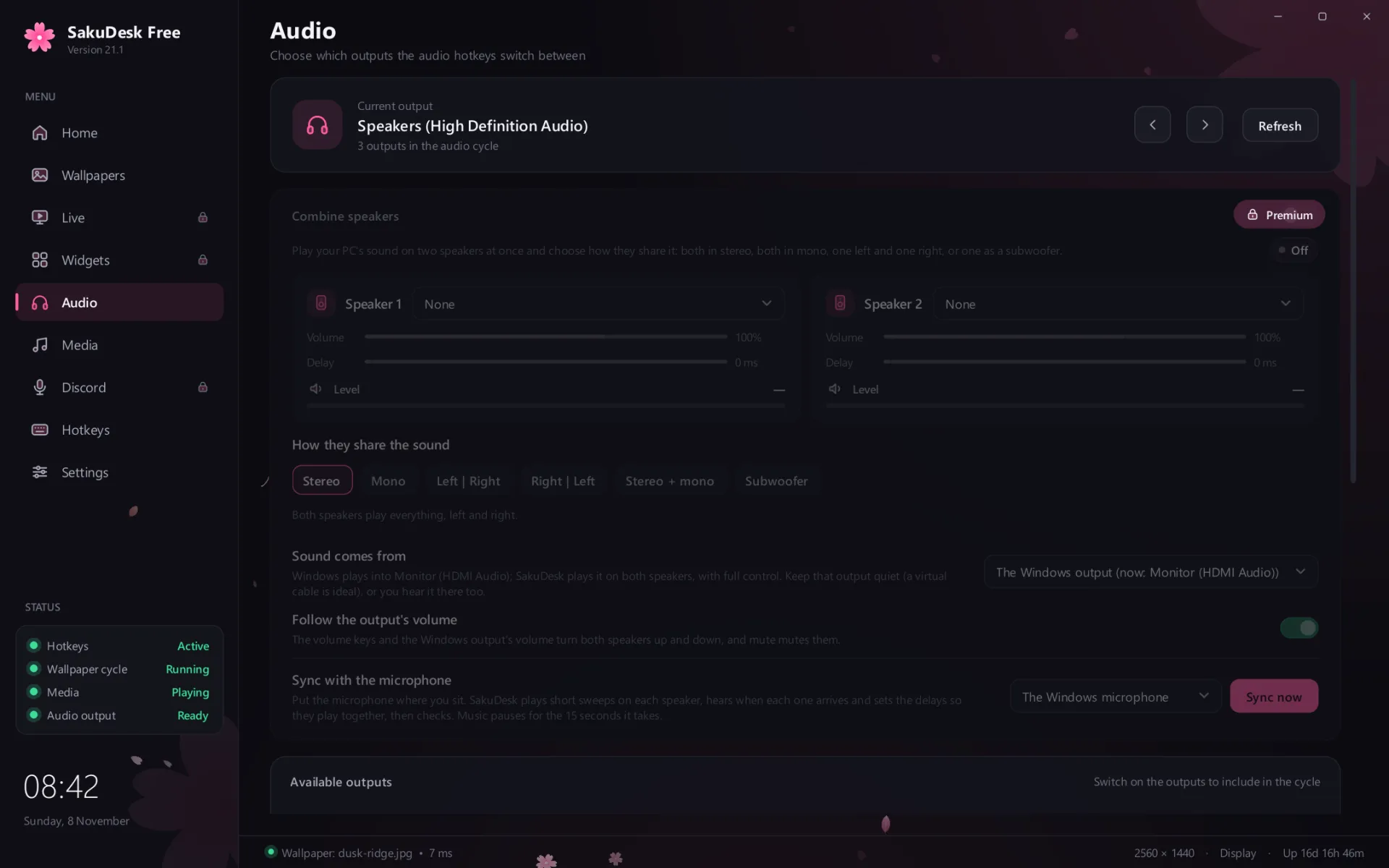
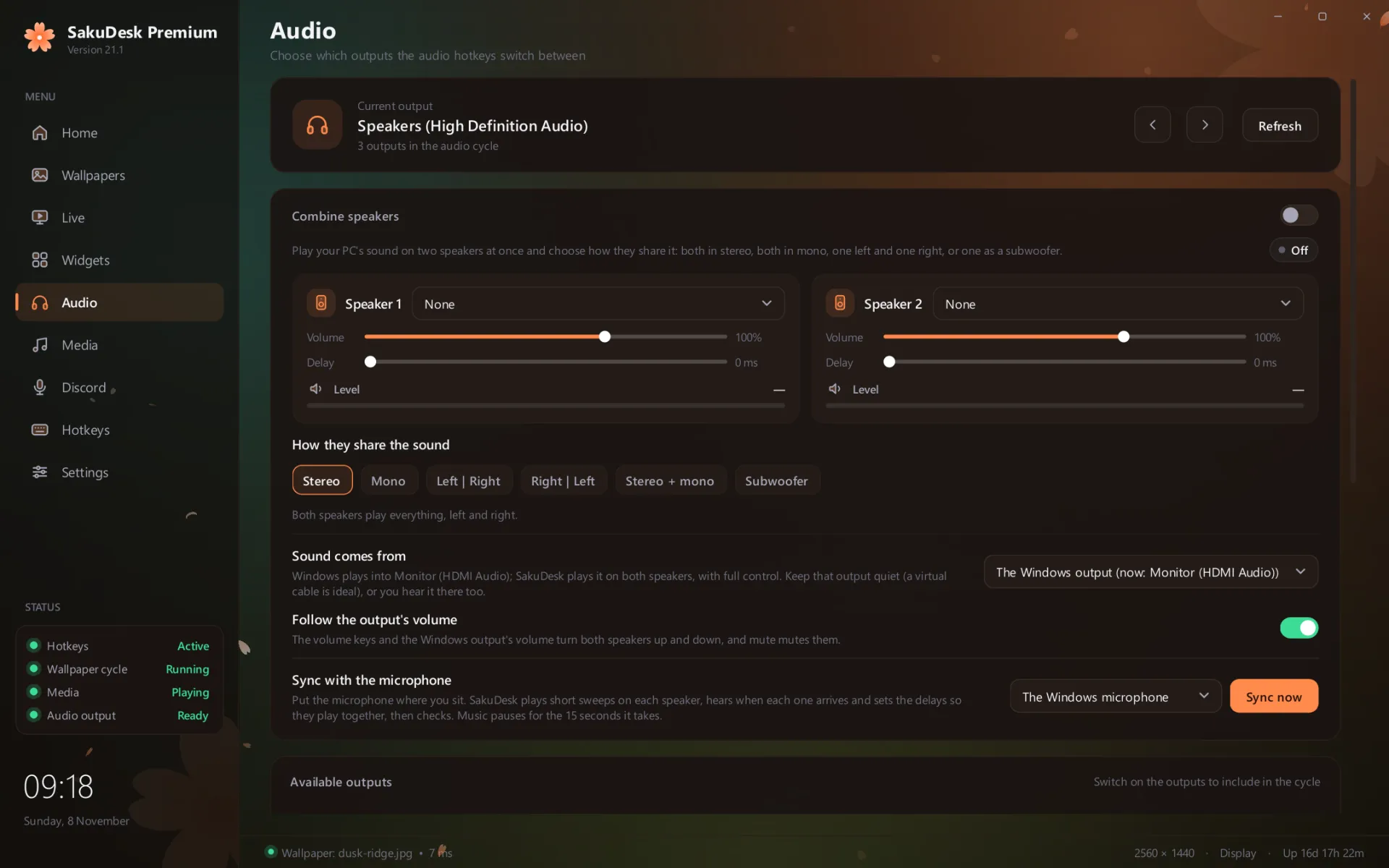
Your PC's sound on two outputs at once, both in stereo, both in mono, one left and one right, or one as a subwoofer. SakuDesk listens through your microphone and lines them up, so they play together.
And everything else with a lock.
- Desktop widgets: clocks, music, lyrics, a visualizer, notes and weather, on every screen
- A Discord voice hub on top of your game, with your own roles' powers and your call history
- Setup profiles that switch your whole look at once, by hand, by hotkey or when a game starts
- A wallpaper of its own for every screen
- Overpower speed, for machines with power to spare
- Cyberpunk lyrics on your desktop
- Notification styles, motion and glitch effects
- Your own hotkeys, and a Home you arrange yourself
- The opening's piano sound, side and colour
- Your settings, following you to every PC you sign in on
Three steps, in the app you have.
Subscribe here.
Sign in with your PetalWorks account, then pay in Paddle's checkout, by card or with the other ways it offers you.
Sign in to SakuDesk.
In SakuDesk Free, open Settings, then Account, and sign in with the same account.
Restart it.
It comes back as SakuDesk Premium with every lock gone. Everything you'd set up stays as it was.
Before you subscribe.
- Price
- Shown here, in your currency with tax included, once SakuDesk Premium is on sale. You see it again in the checkout before you pay.
- Every month
- It renews each month until you cancel. Cancel any time from your account page: Premium stays until the end of the month you've paid for, and nothing more is charged.
- If you stop
- SakuDesk goes back to Free the next time it starts. Your settings stay, and come back if you subscribe again.
- Offline
- Premium keeps working for 14 days without the internet, then checks again.
- Who sells it
- Paddle, our reseller, sells SakuDesk Premium and handles the payment, tax and receipt. We never see your card.
- Refunds
- As consumer law where you live provides. Paddle handles them. The terms have the details.
- Needs
- SakuDesk Free 21.0 or newer on Windows 10 or 11, and a PetalWorks account. The download on this site is still version 20.9, which can't unlock Premium yet.